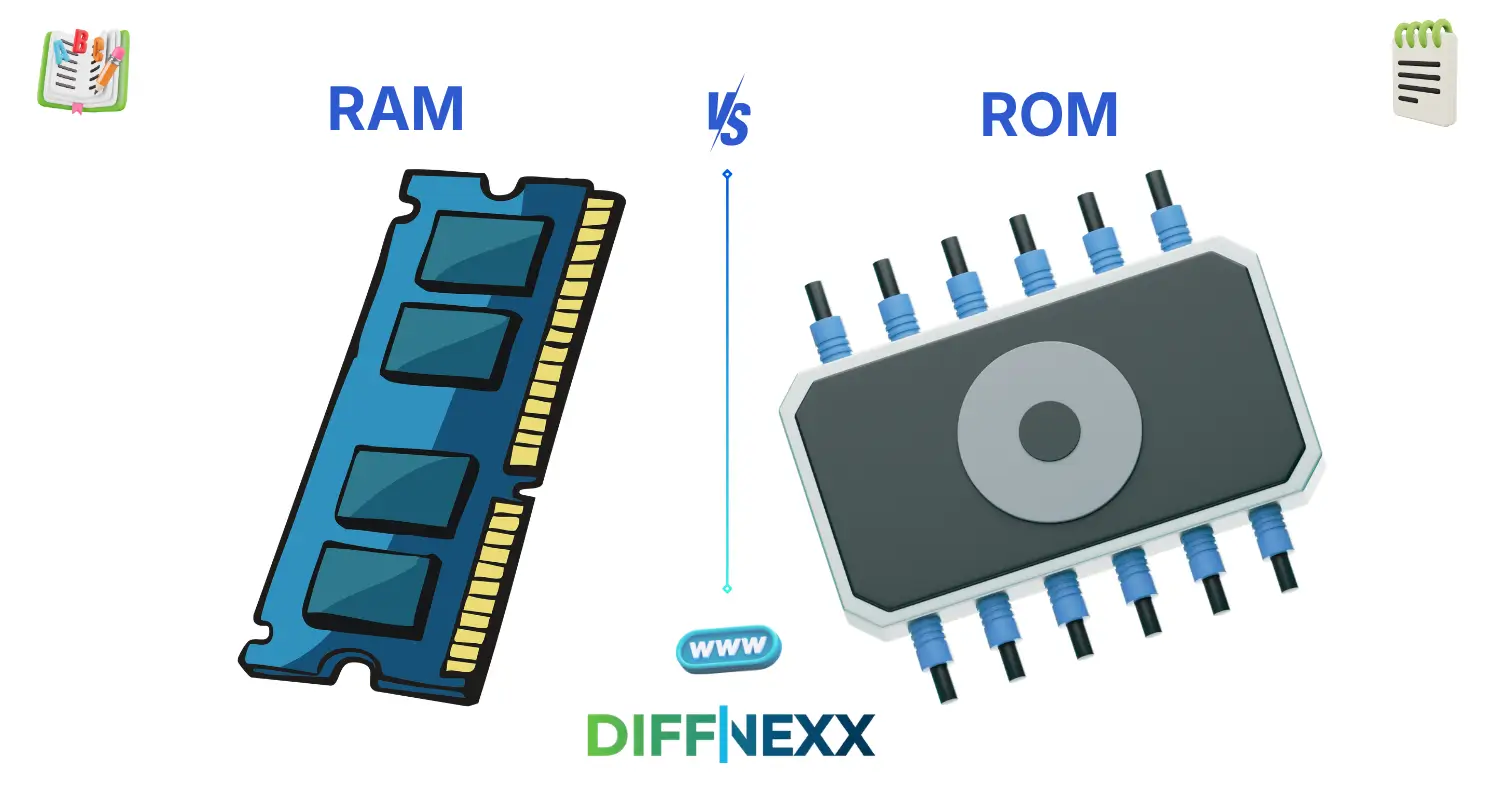
Difference between RAM and ROM often becomes clear when your computer suddenly slows down or refuses to start properly. You might hear terms like RAM and ROM while buying a phone or laptop, but their roles can feel confusing.
The difference between RAM and ROM lies in how they store and use data. RAM is temporary memory used while a device is running, while ROM is permanent memory that stores important instructions.
Many beginners struggle with the difference between RAM and ROM because both are types of memory. However, they serve very different purposes in a system.
Let’s break this down in a simple and clear way.
Key Difference Between the Both 🧠
The main difference is that RAM is temporary and volatile, while ROM is permanent and non-volatile.
RAM stores data that is actively in use. ROM stores essential instructions that help the system start and operate.
Importance – Why Their Difference Matters 🌍
Understanding the difference between RAM and ROM is essential for learners and professionals.
For students, it builds a strong foundation in computer science. It helps them understand how devices process and store information.
For professionals, especially in IT and engineering, knowing this difference ensures proper system design and troubleshooting.
In everyday life, this knowledge helps users choose better devices and understand performance issues.
🔊 Pronunciation Section
RAM (Random Access Memory)
US: /ræm/
UK: /ræm/
ROM (Read-Only Memory)
US: /rɑːm/
UK: /rɒm/
Now that you can pronounce them correctly, let’s define them clearly.
📚 Core Definitions
RAM
RAM is a type of memory that temporarily stores data while a device is running. It is fast and allows quick access to active programs. It gives a sense of speed and efficiency.
Example: When you open an app, it runs using RAM.
ROM
ROM is a type of memory that permanently stores important system instructions. It does not lose data when the device is turned off. It ensures stability and reliability.
Example: The system starts using instructions stored in ROM.
📚 10 Clear Differences Between RAM and ROM
1. Nature of Storage
RAM stores temporary data. ROM stores permanent data.
- Example for RAM: Files disappear after shutdown.
- Example for ROM: Instructions remain stored.
2. Volatility
RAM is volatile and loses data when power is off. ROM is non-volatile and keeps data.
- Example for RAM: Data clears after restart.
- Example for ROM: Data stays unchanged.
3. Speed
RAM is very fast. ROM is slower compared to RAM.
- Example for RAM: Apps open quickly.
- Example for ROM: Data loads slowly.
4. Function
RAM supports active tasks. ROM supports system startup.
- Example for RAM: Running games or apps.
- Example for ROM: Booting the device.
5. Modification
RAM data changes easily. ROM data rarely changes.
- Example for RAM: Files update quickly.
- Example for ROM: Firmware stays fixed.
6. Usage Frequency
RAM is used continuously. ROM is used mainly during startup.
- Example for RAM: Used while browsing.
- Example for ROM: Used when powering on.
7. Capacity
RAM usually has higher capacity for active use. ROM has smaller, fixed storage.
- Example for RAM: 8GB or more in devices.
- Example for ROM: Limited storage for system files.
8. Role in Performance
RAM directly affects speed. ROM ensures system stability.
- Example for RAM: More RAM improves multitasking.
- Example for ROM: Stable startup process.
9. Power Dependency
RAM depends on power to retain data. ROM does not.
- Example for RAM: Data lost without power.
- Example for ROM: Data remains without power.
10. Flexibility
RAM is flexible and dynamic. ROM is fixed and stable.
- Example for RAM: Data changes constantly.
- Example for ROM: Data rarely changes.
🎯 Why Knowing the Difference Matters
Students need this knowledge to understand how computers work. It helps them build strong technical skills.
Professionals rely on this difference for system design, troubleshooting, and performance optimization.
In daily life, users benefit by choosing devices with the right RAM and understanding how storage works.
Real-world Consequences of Confusion
Confusing RAM with ROM can lead to poor purchasing decisions. It may also cause misunderstanding of device performance and limitations.
🧠 Why People Get Confused
Similar Names
Both terms are short and sound similar, which creates confusion.
Semantic Overlap
Both relate to memory, so people assume they are the same.
Context-Based Usage
They are often mentioned together in technical discussions.
Influence of Informal Speech
People use “memory” loosely without specifying type.
🎭 Connotation & Emotional Tone
Connotation = the emotional meaning associated with a word.
RAM
- Positive: Speed and efficiency (e.g., “This device has powerful RAM.”)
- Neutral: Working memory
ROM
- Positive: Stability and reliability (e.g., “ROM ensures safe startup.”)
- Neutral: Permanent storage
🗣 Usage in Metaphors, Similes & Idioms
Though technical, these terms can appear in informal comparisons:
- “My brain RAM is full” → feeling overloaded
- Example: I cannot focus; my brain RAM is full.
- “Stored in ROM” → fixed memory
- Example: That habit feels stored in ROM.
📊 Comparison Table
| Feature | RAM | ROM |
|---|---|---|
| Meaning | Temporary memory | Permanent memory |
| Tone | Fast and dynamic | Stable and fixed |
| Usage | Active processes | System instructions |
| Context | During operation | During startup |
| Formality | Technical | Technical |
⚖️ Which Is Better in What Situation?
When to use RAM
Use RAM when referring to active memory used by running programs and tasks.
When to use ROM
Use ROM when referring to permanent storage of system instructions.
Situational Clarity
If the focus is speed and multitasking, use RAM. If it is about startup and stability, use ROM.
Contextual Correctness
Choose the term based on whether the memory is temporary or permanent.
📖 Literary or Cultural References
- Book: Code: The Hidden Language of Computer Hardware and Software (Technology, Charles Petzold, 2000)
- Movie: The Matrix (USA, 1999) – explores digital systems and memory concepts
These references show how memory plays a role in technology and storytelling.
❓ FAQs
1. Is RAM more important than ROM?
Both are important. RAM affects performance, while ROM ensures the system works correctly.
2. Can ROM be changed?
Usually, ROM is fixed, but some types can be updated with special processes.
3. Why does RAM clear data when power is off?
Because it is volatile memory that needs power to store data.
4. Does more RAM make a device faster?
Yes, more RAM improves multitasking and overall performance.
5. Where is ROM used?
ROM is used in devices to store firmware and startup instructions.
🏁 Conclusion
The difference between RAM and ROM is simple but important. RAM is fast, temporary, and supports active tasks. ROM is permanent, stable, and ensures the system starts properly.
Understanding this difference helps you use technology more effectively. It also helps you make smarter decisions when buying or using devices.
As technology continues to grow, knowing basic concepts like RAM and ROM becomes even more valuable. Keep learning and exploring because small concepts often make a big difference in understanding the digital world.

Aamer Shahzad is the founder of Distinly.com, a fast-growing educational platform focused on high-intent “difference between” topics. With over 8 years of experience in English language education and analytical writing, I specialize in breaking down complex “difference between” topics into clear, structured, and easy-to-understand explanations. Distinly.com is your go-to resource for enhancing English skills and writing with confidence.
I specializes in building search-optimized, research-driven comparison content designed for clarity, authority, and long-term digital asset value.