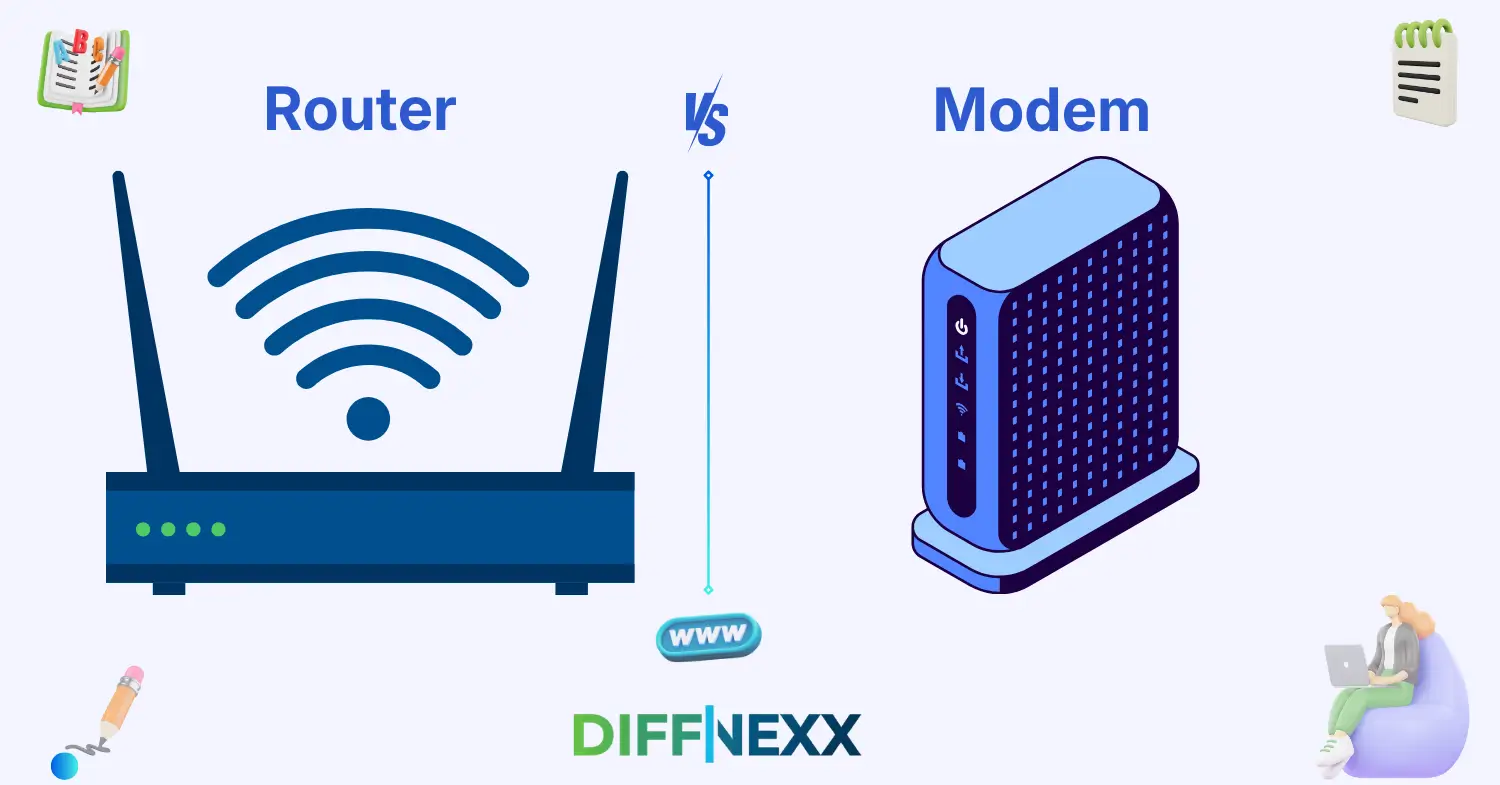
Difference between router and modem is something many people wonder about when their internet stops working. Imagine this: your Wi-Fi suddenly disconnects. You look at the two small boxes near your computer and ask yourself, Which one is the modem, and which one is the router? 🤔
The difference between router and modem becomes clearer once you understand their roles in a home network. A modem connects your home to your internet service provider (ISP). A router, on the other hand, distributes that internet connection to multiple devices like phones, laptops, and smart TVs.
People often mix them up because they usually sit next to each other and sometimes even come as a single device. However, the difference between router and modem is important because each device performs a unique task in your internet setup.
In this guide, you will learn what each device does, how they differ, and why understanding their roles can make managing your internet much easier.
Key Difference Between Router and Modem
The main difference between a router and a modem lies in their function in the internet connection process.
A modem acts as the bridge between your home network and your internet service provider. It converts signals from your ISP into a form your devices can understand.
A router, however, works inside your home network. It takes the internet connection from the modem and distributes it to multiple devices using wired or wireless connections.
In simple terms:
- Modem = Connects your home to the internet
- Router = Shares the internet with your devices
Both devices work together to provide a complete internet experience.
Importance – Why Knowing Their Difference Matters
Understanding the difference between routers and modems is important for both beginners and technology professionals.
For learners and everyday internet users, this knowledge helps them troubleshoot problems. If your Wi-Fi stops working, knowing whether the issue lies in the router or modem can save time and frustration.
For IT professionals and network administrators, understanding the difference is essential for designing stable networks. Routers manage traffic between devices, while modems ensure communication with internet providers.
In society today, internet access is a basic necessity. From online education to remote work, these devices play a critical role. Knowing how they function helps people maintain reliable digital connectivity. 🌐
🔊 Pronunciation Section
Router
US: /ˈruːtər/ or /ˈraʊtər/
UK: /ˈruːtə/
Modem
US: /ˈmoʊdɛm/
UK: /ˈməʊdɛm/
Now that we know how to pronounce them correctly, let’s explore what each device actually does.
Core Definitions
Router
A router is a networking device that directs internet traffic between devices in a network. It receives internet data from the modem and distributes it to connected devices.
Routers can connect devices through Wi-Fi or Ethernet cables.
Example:
A router allows your phone, laptop, and smart TV to use the same internet connection.
Modem
A modem is a device that connects your home network to your internet service provider. It converts digital data from your devices into signals that travel through cables or phone lines.
Without a modem, your home cannot communicate with the internet.
Example:
A modem connects your home to the ISP so you can access websites and online services.
10 Clear Differences Between Router and Modem
1. Core Function
A modem connects your home to the internet service provider. A router distributes that internet connection to devices.
Example for Router:
The router sends internet to your laptop and smartphone.
Example for Modem:
The modem connects your house to your ISP’s network.
2. Role in the Network
Routers manage internal network traffic, while modems communicate with external networks.
Example for Router:
A router manages traffic between devices in your home.
Example for Modem:
The modem communicates with the ISP to deliver internet.
3. Connection Type
Routers connect devices within a network. Modems connect the network to the internet provider.
Example for Router:
Your router creates a Wi-Fi network.
Example for Modem:
The modem connects through cable or fiber to the ISP.
4. Wireless Capability
Most routers provide Wi-Fi signals. Modems usually do not provide wireless connections.
Example for Router:
A router lets you browse the internet on your phone using Wi-Fi.
Example for Modem:
A modem simply provides the internet signal.
5. Network Management
Routers control traffic, assign IP addresses, and manage devices. Modems only transmit internet signals.
Example for Router:
The router assigns IP addresses to connected devices.
Example for Modem:
The modem transfers internet data to the router.
6. Security Features
Routers often include security features like firewalls and password protection. Modems generally lack advanced security tools.
Example for Router:
A router blocks unknown devices from joining your network.
Example for Modem:
A modem only passes the connection to the router.
7. Device Connectivity
Routers connect multiple devices simultaneously. Modems usually connect to only one device or router.
Example for Router:
A router connects laptops, phones, and gaming consoles.
Example for Modem:
The modem connects directly to the router.
8. Network Traffic Control
Routers control how data moves between devices. Modems simply transmit data signals.
Example for Router:
The router manages bandwidth for streaming and gaming.
Example for Modem:
The modem delivers raw internet data.
9. Placement in Network Setup
Routers sit between the modem and devices. Modems connect directly to the ISP line.
Example for Router:
Your router is connected to the modem through an Ethernet cable.
Example for Modem:
The modem connects to the cable outlet.
10. Dependency
Routers depend on modems to access the internet. Modems can technically connect directly to a device.
Example for Router:
Without a modem, the router cannot access the internet.
Example for Modem:
A computer can connect directly to a modem.
Why Knowing the Difference Matters
Understanding networking basics helps students develop digital literacy. When learners understand routers and modems, they gain insight into how internet infrastructure works.
For professionals in IT, networking, and cybersecurity, knowing the difference is critical. It helps them configure networks, secure connections, and optimize performance.
In everyday communication, clear understanding prevents confusion when troubleshooting internet problems.
Real-world consequences of confusion
If someone resets the wrong device, the internet may stop working completely. Misunderstanding these devices can also lead to incorrect purchases or installation mistakes.
Why People Get Confused
Similar Appearance
Routers and modems often look similar. Both are small boxes with blinking lights.
Combined Devices
Many ISPs provide router-modem combo devices, which blur the difference between the two.
Technical Terminology
Networking terms can sound complicated, which leads people to use the terms interchangeably.
Informal Speech
In everyday conversation, people sometimes call any internet device a “router,” even when it is actually a modem.
Connotation & Emotional Tone
Connotation means the emotional meaning associated with a word.
Router
Neutral:
In technology discussions, “router” is neutral and technical.
Example:
The router distributes internet to every device in the house.
Modem
Neutral:
“Modem” is also technical and neutral.
Example:
The modem connects the home network to the internet provider.
Usage in Metaphors, Similes & Idioms
Although these words are technical, they can appear in simple metaphors.
Router metaphor:
“The router is like a traffic officer directing data to the right device.”
Modem metaphor:
“The modem is like a gate connecting your home to the internet highway.”
These comparisons help beginners understand networking concepts easily.
Comparison Table
| Feature | Router | Modem |
|---|---|---|
| Meaning | Distributes internet within a network | Connects home network to ISP |
| Tone | Technical | Technical |
| Usage | Networking and device connectivity | Internet signal conversion |
| Context | Home and office networks | Internet service connection |
| Formality | Technical term | Technical term |
Which Is Better in What Situation?
When to Use Router
Use a router when you want to connect multiple devices to the internet. Routers are essential for creating a Wi-Fi network at home or in offices.
When to Use Modem
A modem is necessary whenever you want to establish an internet connection with your ISP.
Situational Clarity
Routers and modems are not competitors; they work together. A modem connects your network to the internet, while the router distributes that connection.
Contextual Correctness
In most homes today, both devices are required unless a combo device is used.
Literary or Cultural References
Although routers and modems rarely appear in literature, they appear frequently in modern technology discussions.
Book:
The Internet of Things (Technology, Samuel Greengard, 2015)
Movie:
The Social Network (USA, 2010)
Both works indirectly highlight the importance of internet connectivity, where routers and modems play crucial roles.
FAQs
1. Can a router work without a modem?
No, a router cannot access the internet without a modem. The modem connects to the ISP and provides the internet signal. The router then distributes that signal to devices.
2. Can a modem provide Wi-Fi?
Most modems alone do not provide Wi-Fi. However, some modern devices combine a modem and router in one unit.
3. Do I need both a router and modem?
Yes, in most internet setups you need both. The modem connects to the internet provider, and the router shares the connection with multiple devices.
4. What is a modem-router combo?
A modem-router combo is a single device that performs both functions. It connects to the ISP and distributes Wi-Fi to devices.
5. Which device should I restart if the internet stops working?
Usually, restart both devices. Start with the modem, wait a minute, and then restart the router.
Conclusion
The difference between router and modem becomes simple once you understand their roles. A modem connects your home to the internet service provider, while a router distributes that internet connection to your devices.
Both devices are essential for modern internet access. The modem acts as the gateway to the internet, and the router manages how devices share that connection.
Knowing this difference helps students learn basic networking, helps professionals troubleshoot systems, and helps everyday users fix common internet problems.
As our lives become more connected, understanding how these devices work is increasingly valuable. With this knowledge, you can manage your internet setup with greater confidence and clarity. 🌐

Mira Anand is a writer at Distinly.com who focuses on storytelling, communication, and social perspective. Her work highlights subtle differences in language and meaning across cultures and communities. With a clear and empathetic voice, Mira helps readers understand how narratives shape understanding, relationships, and modern dialogue in an increasingly connected world.